God, people, at least try

So I’ve taken on an informal building tech nerd role this year, and in doing so I made a slight miscalculation: we have a lot of new staff this year, and on top of that there was a whole-building renovation over the summer. As it turns out, some of our contractors were not tremendously diligent about making sure that everything was connected properly, especially wiring in the wall that I can’t get at? It’s been fun.

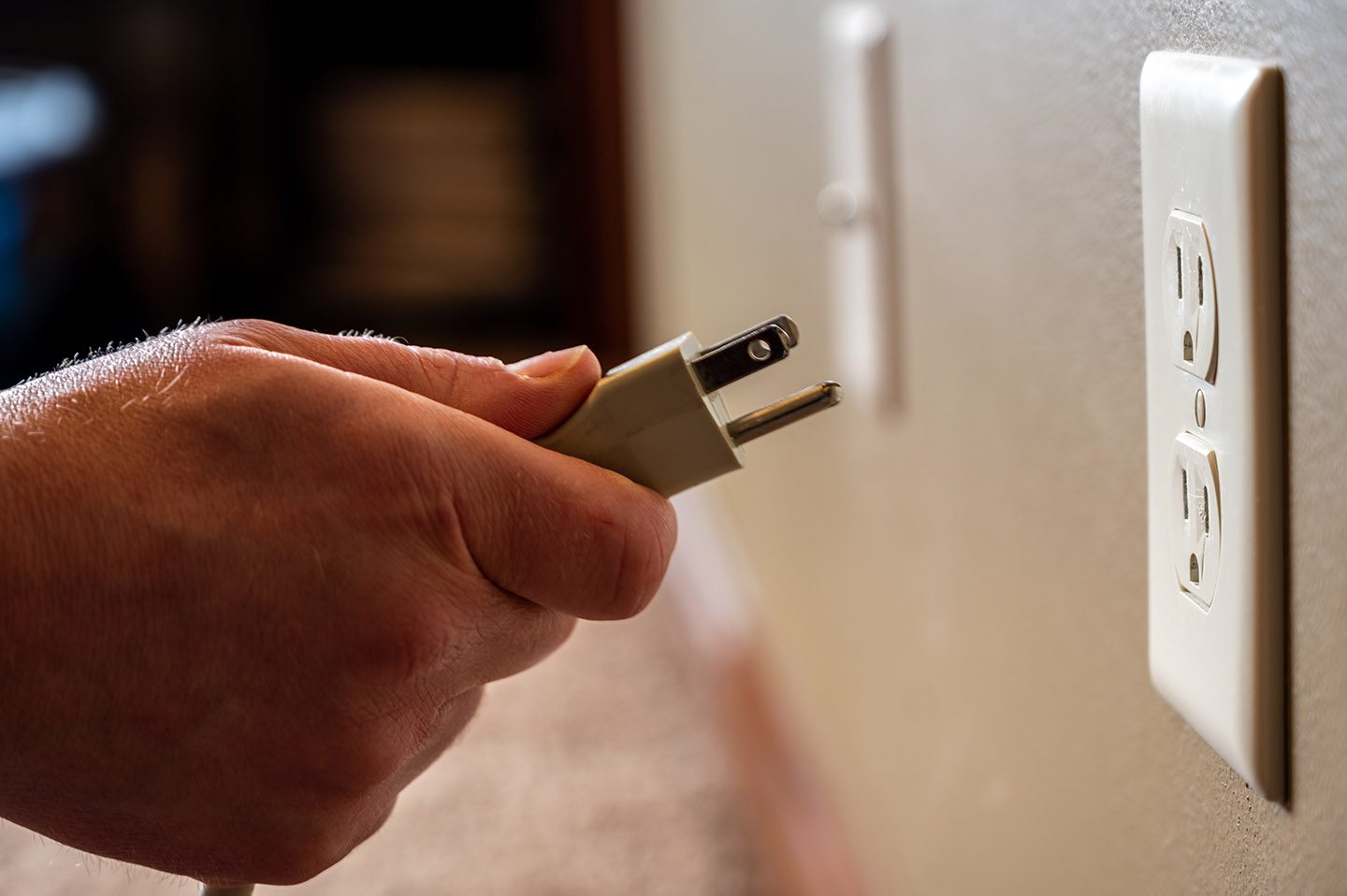
On the other hand, four different people, all adults with college degrees, summoned me to their rooms today because Something Didn’t Work, only for me to discover in three of the four cases that Something wasn’t plugged in, and in the fourth case it lacked a power cord entirely.

Electronics need those!

I told everyone that shit happens and we were all a little stressed out and manic, so no big deal, but that if it happened a second time, I’d be charging my consulting rate.

Had dinner with some family from out of town tonight, and everyone was surprised to see me, which was kind of funny; that said, I’m planning on going to bed early tonight.

In which order is restored

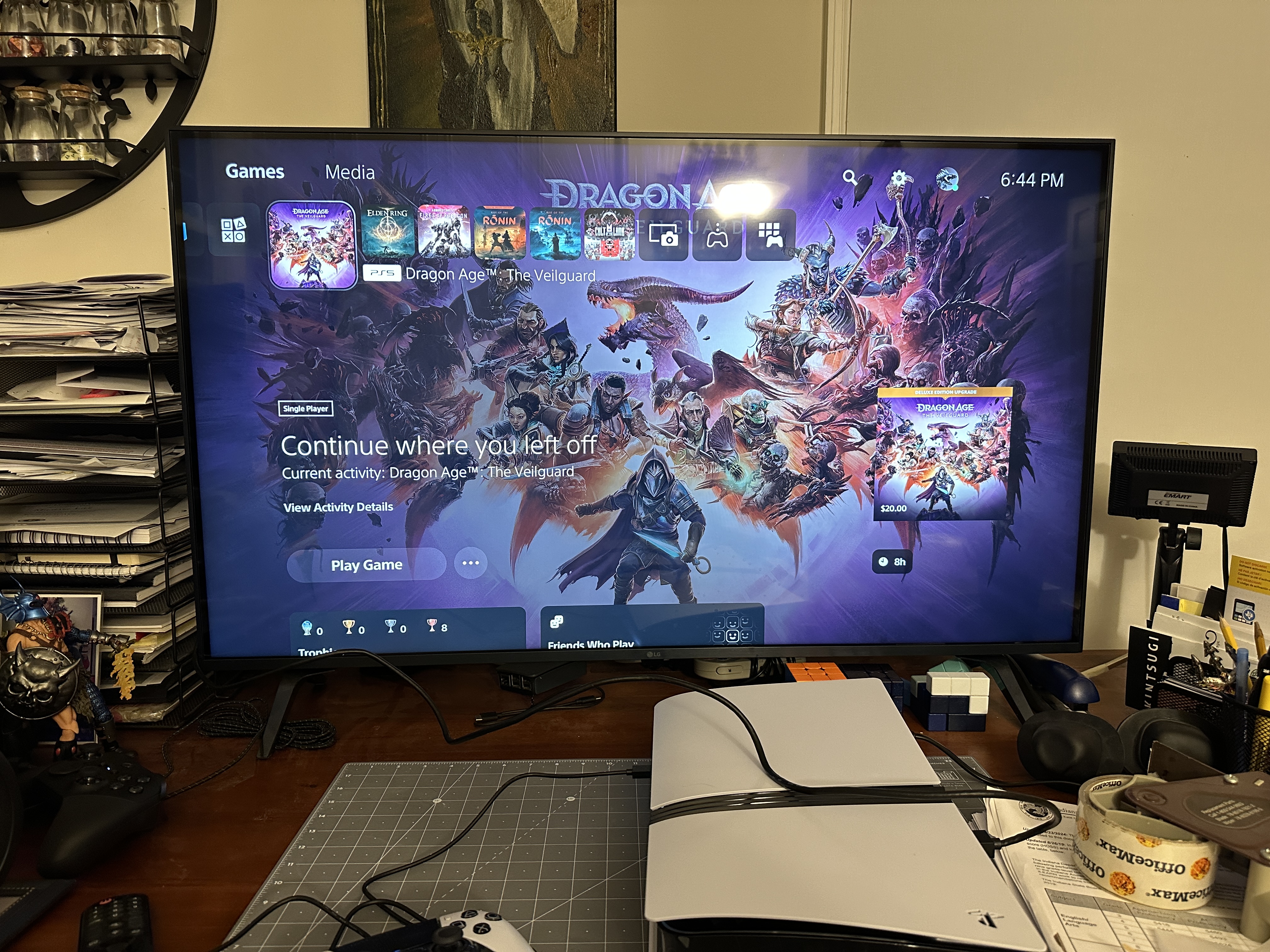
Big Bastard 2: The Rebastarding appears to be working just fine, thanks; I have come up with one thing that might possibly have affected the previous console’s ability to work beyond “this shit is broken,” but to hell with it, FedEx has it already. I need to move it to where it’s actually going to live, but the original PS5 is still there since I wasn’t about to start really rearranging things until I was certain this one worked.

Meanwhile, it’s 6:30 and pitch fucking black outside, and mentally I’m like WAIT NO HOW THE HELL IS IT BEDTIME THERE’S MORE WEEKEND LEFT, and god, do I hate Daylight Savings Time. Saving Time. Whatever the fuck it’s called. I hate it being fucking dark at 6:30 in the evening during the winter and I hate it being light at 10:30 during the summer and time is bullshit.

On details

Spent the last couple of days putting this little thing together:

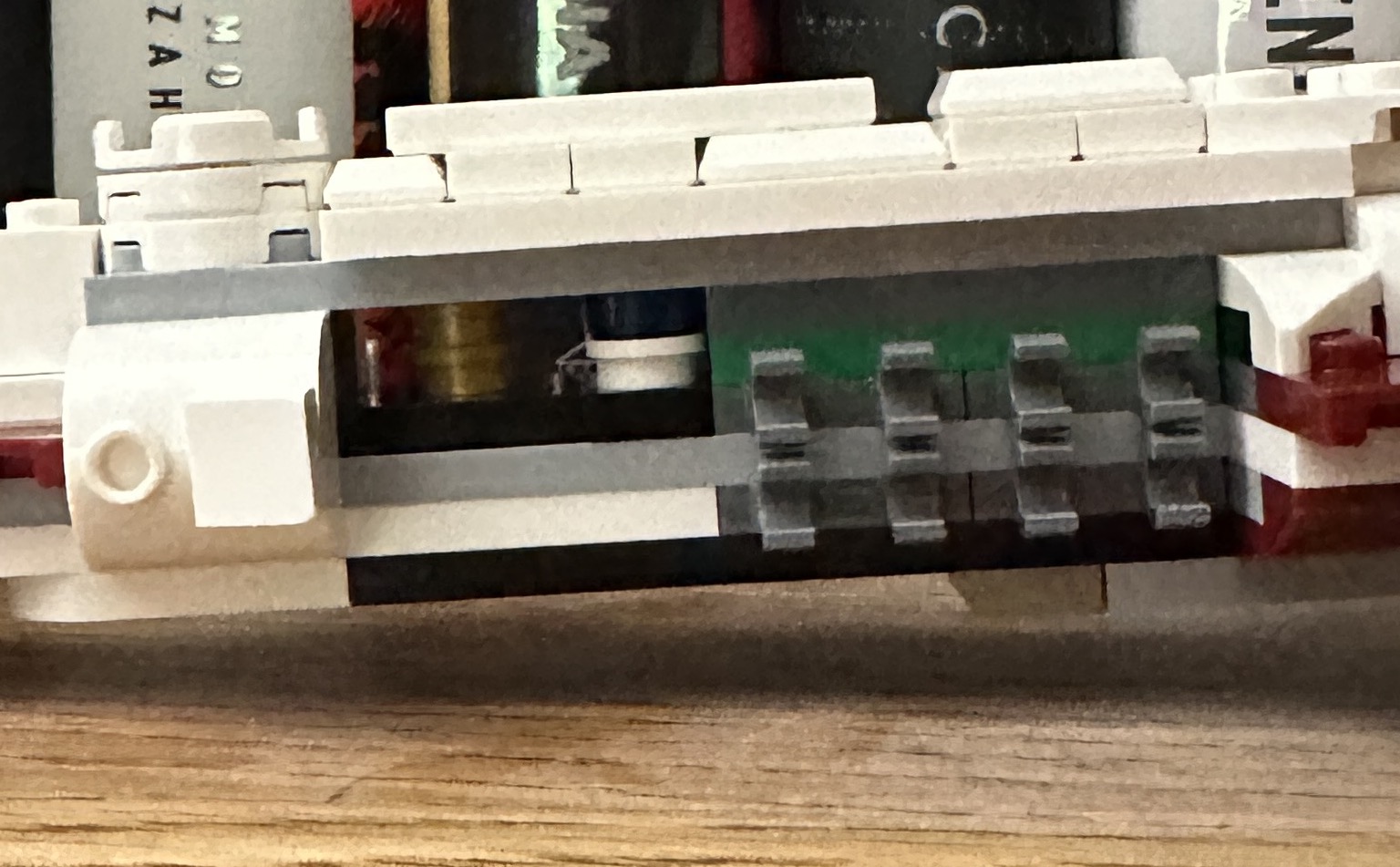
I took the picture from a couple of different angles and then realized if I was going to give you a picture of the Tantive IV, it really ought to let you see the engines, which are the most iconic part of the ship. And once again, while putting a Lego set together, I found myself musing on why the designers make the decisions they do on certain things, and just how dedicated these crazy bastards are to including Easter eggs. To wit, an earlier, in-progress photo of the front of the ship:

What you don’t see there is a third two-stud stack behind the white and blue one. That one has a white base and a brown top, to go with the one that is gold-on-gold and the one that is blue-on-white. Note where this is in the picture above; it’s completely invisible and covered up by the pieces that attach to those clamps on the side.

Why are those there?

Well, it’s C-3PO, R2-D2 and Princess Leia, of course. Each rendered as two single studs in the right color. And it’s just there to put a little smile on your face as you’re putting the set together, and as a little secret that you know about once the build is finished. The Tantive IV, of course, is the ship that Leia is trying to escape Darth Vader in during the opening moments of A New Hope, and so of course she has to pass the Death Star plans on to the droids.


In other news, as of last night I thought I’d fixed my computer again, only to spend forty fucking minutes trying to get the damn thing to launch Chrome this afternoon so that I could work on writing practice finals for my classes this week. The following all happened:

  • Apple Music crashed, repeatedly;
  • Chrome crashed, repeatedly;
  • One hard restart;
  • After the restart, my desktop images on my extra monitors were on the wrong monitors (?!?)
  • My touchpad lost connectivity three times, and had to be turned off and turned back on again;
  • Audio was coming through the wrong monitor at one point;
  • Every so often I could move the mouse around but couldn’t click and the haptics on my touchpad were disabled, and every so often I could click on things but not move the mouse;
  • Attempting to open the systems settings crashed every other open app, then the system settings opened as if nothing had gone wrong;
  • Probably a few other things.

At this point, I have officially caved and ordered a new screaming fucking beast of a computer that is so much more computer than I need that it’s actually kind of sad. Like, I’ll need to develop a new hobby or go back to gaming on YouTube or something to justify this purchase. Naturally, after dinner, the computer had mysteriously reverted to working just fine, and I’ve been sitting here for just over an hour, writing the two initial practice exams and this blog post with no issues of any kind. I have no idea what the hell is going on, but I’ve had enough of dealing with it.

Not right now god damn it

I have had my current desktop for just a noodge over five years, and I am starting to think that I might need to replace it sooner rather than later. It is the most insanely aggravating tech problem I have encountered, in that it isn’t one tech problem. Shit just Keeps Going Wrong, and I can’t for the life of me isolate what the problem might be beyond a vague suspicion that my dedication to Apple products is about to bite me in the ass. If this were a home build, I could start replacing parts– I mean, that would be expensive and insane, but I could do it. I could keep replacing bits of the computer until this random fucking series of crashes, application hangups and hardware shutdowns — my trackpad, for God’s sake, keeps shutting down, and it has a physical on/off button– stopped, or I’d managed to create the iMac of Theseus and just gave the fuck up.

The Music app crashes. Chrome crashes. Safari crashes. The monitors are going wonky. The trackpad shuts down randomly. The entire computer keeps hard restarting in the middle of the night and when I first wake it up after a hard crash it takes a good ten minutes before everything starts behaving, and then it’s fine for an unpredictable amount of time– anywhere from a few minutes to a couple of days– until it’s not anymore.

I don’t know how to diagnose this. I thought a Safari patch had cleaned it up but that only lasted a few days and now Music is crashing, and there are 65 fucking gigabytes of music on this damn computer, so moving to another one is going to be a huge pain in the ass. Also, just to make it worse, Apple isn’t making 27″ iMacs any longer, so I can either move to a smaller main monitor or a Mac Studio, and those start at two fucking grand before you buy a monitor to go with it. I mean, I can spread that out, and truth be told I can afford it, but I really don’t fucking want to right now. I want to fix this, and normally “fix my computer” is included among my skill sets, but there are enough things going wrong that I’m starting to suspect it’s either the motherboard or the hard drive, and … that’s a new computer, since I can’t replace either.

I mean, I could go back to Windows, but I could also shoot myself in the fucking face and not have to worry about it, and those options are of equal attractiveness right now. I loathe Windows and I’m not interested in going back into that ecosystem when every other piece of tech in the house has a picture of a piece of fruit on it. If Apple was still making 27″ iMacs this wouldn’t be that hard of a decision, because $1600 is a lot more palatable than $2000 plus a monitor. But even if I stuck with the two I have (and remember, I’m running a supervillain lair here)* it’s still $400 more than the iMac I’d probably end up with, which is pushing it.

Anyway, I’m off to spend three hours Googling “everything is wrong with my computer” until it crashes again. Wish me luck.

*Three monitors and a standing desk, and how the fuck is it possible that I can’t find a picture of my desk on this website anywhere? NO way.**

**EDIT: Found one, and added the link.

Ugh

I had actually been having a pretty good Sunday until a few minutes ago, when the exact same settings that I’ve been using for months to create videos for my YouTube site suddenly decided to shit the bed and produce a 31-gigabyte un-openable monstrosity, and now not only do I not have my videos for tomorrow ready but I get to spend time researching how to repair damaged .mp4 files, which I don’t think is actually a thing that can be done. I’m pretty sure it’s all scams and “Okay, this will work, but send us $70 first” types of things.

Shit.

Anyway, if there’s no 4:00 video tomorrow (there won’t be) that’s why.

Well, crap

I have recorded, as of ten minutes ago, twenty-five episodes of my Elden Ring series. I discovered before doing tonight’s recordings that episode 22 has just … disappeared. The audio files are there, and the folder is there, but the recording itself? Gone. Anybody out there wanna recommend some good Mac file recovery programs? I can’t imagine how the hell I might have deleted just the .mp4 file out of that folder and kept everything else; that doesn’t adhere to anything about how I manage game files, but it appears to have happened, unless what actually happened is I made the file invisible somehow, and showing invisible files on a Mac is literally just a button-press and it’s not happening. So I need to see if I can find it.

It’s actually been a decent couple of days at work; I can proudly report that I have been to school three whole days in a row, and am planning, like a grown-up, to attend tomorrow as well! And if I pull that off all I have to do is go to work on Friday and then I’ll have shown up a whole week in a row!

It’s madness, I know.

In which you aren’t supposed to suck

I am a fanboy, I admit it: I am typing this post on the most advanced iMac that was available when I bought it; my last several phones have been iPhones, my watch is an Apple Watch, there are at least two if not three iPads in the house (I’ve lost track of one, and we may have recycled it) along with at least two Apple TVs and, if I had brought my work laptop home, which I never do, there would be two MacBooks in the house as well, even though my non-work one needs replacing.

I am so stuck in Apple’s ecosystem that it would require wholesale overhauling of a number of significant aspects of my life in order to properly escape from it. And I mostly don’t want to. But, y’all … this weekend my people got in my damn nerves, and I haven’t quite escaped from Minor Inconvenience Tech Hell just yet and I’m still peeved about it.

To start (and I mean “minor inconvenience” when I say it) Apple Maps decided that it was going to choose a different route to get to my brother’s house than the one I picked. He lives in the northern suburbs of Chicago, and your options are basically “through the city” or “not through the city,” both of which take about the same amount of time because one is long but fast and the other is shorter but, well, takes you through the city, which means you’re guaranteed to encounter some bumper-to-bumper bullshit on 90/94 somewhere. I haven’t lived in Chicago for going on fifteen years, and there are still some things about living in the city (which I loved, and still do) that I miss damn near every day.

Traffic is not one of them.

Anyway, I realized too late that not only was my phone trying to direct me through the city but it was trying to send me to Lakeshore Drive for some reason, which if you know the city will cause you to raise an eyebrow and if you don’t, well, that’s wrong no matter what route you’re trying to get north with, trust me. At that point I decided that, fuck it, I was going to go rogue, only it turned out that 1) my memory of the city’s highways wasn’t as great as I thought it was and 2) even if I wasn’t heading to LSD just yet I was beyond the point of no return to stay on the Dan Ryan, which meant we got a fun little detour through Chinatown.

I mean, it cost 15-20 minutes, maybe, while I got back on the highway I wanted to be on, so again: minor inconvenience, but I didn’t want to be driving through the West Loop yesterday one way or another, and if my phone had taken me though the route I chose rather than the route it thought was a good idea, this wouldn’t have happened.

The second thing was an ongoing sync issue with Apple Music and iTunes, and if you’ve ever had to deal with that particular slice of bullshit you can probably understand the vast aggravation and high dudgeon I’ve spent most of the last two days in whenever I had a moment where fuck with my phone became a possibility; ie, any time I was not covered in flour or sleeping. I think I’ve solved that problem finally as of about 20 minutes ago, but we’ll see if it shows up again tomorrow where the only tracks I can listen to from this album are the three preorder tracks. (This happens every time I preorder an album, which I’m done doing. It’s digital files. You can’t run out. No more preordering.)

Anyway.

There’s some more Elden Ring live-streaming coming tonight, from 10:00 until 1:00 AM or until I have the sense to go the fuck to bed, whichever comes first, with a full post of my thoughts coming probably tomorrow. The short version: Don’t expect to talk to me in March. I have shit to do.

A #Scrivener help beg

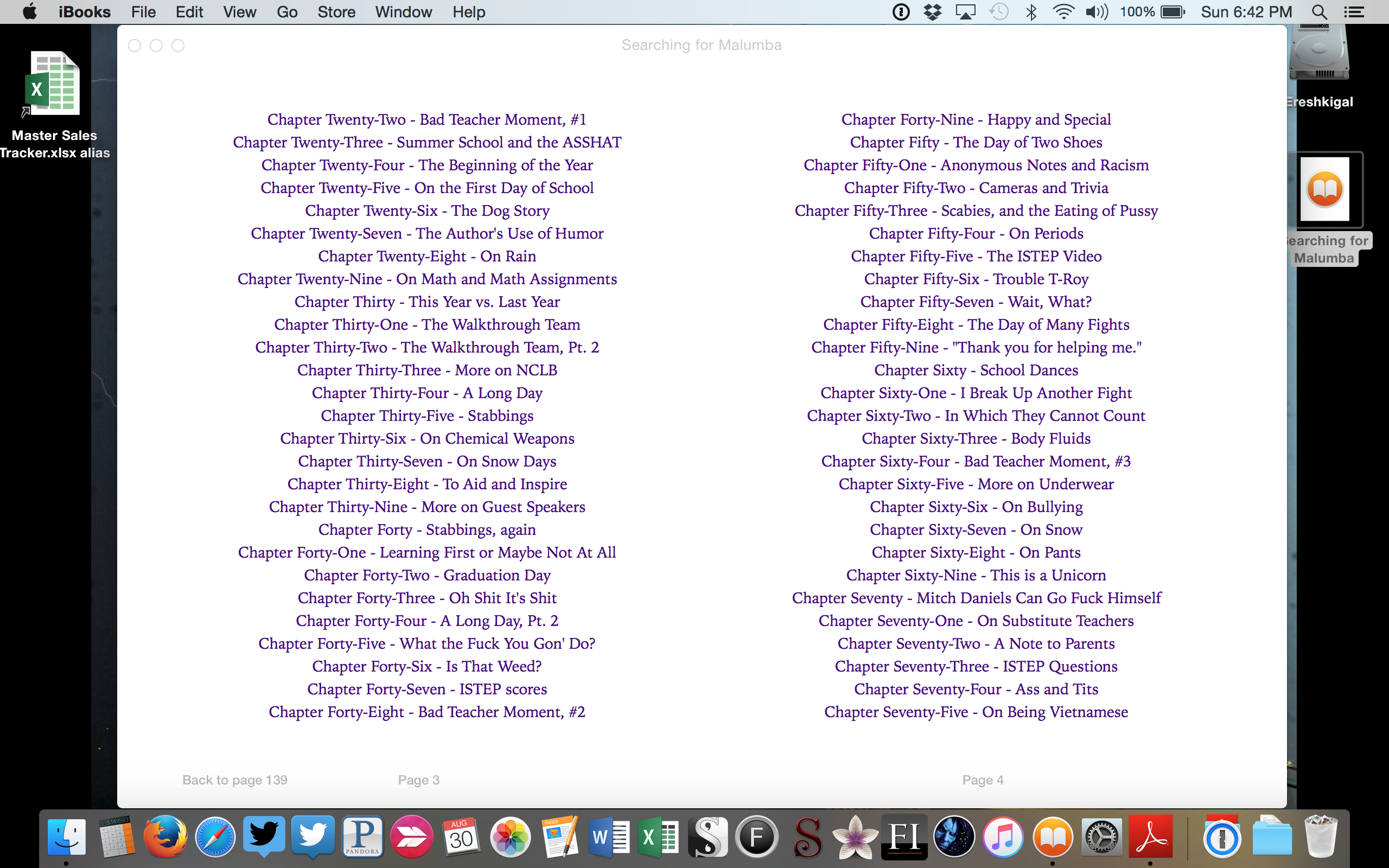
The internet isn’t cooperating.  I love the hell out of Scrivener’s Compile feature, especially the way it builds the Table of Contents for me without me having to carefully hyperlink everything.  But:

Screen Shot 2015-08-30 at 6.42.09 PM

Does anyone know how to prevent it from actually adding the “Chapter Seventy” part in front of the chapter title?  Because it’s doing that throughout and I’d prefer that it not do that.  I’ve been fiddling and haven’t figured out what the problem is yet.

(EDIT: Figured it out, naturally.  Leaving the post up so you can get a gander at some chapter titles.)